Set up your YNAB with confidence
Plan your take-home pay, then send it to YNAB in one tap.A gentle way to start budgeting.
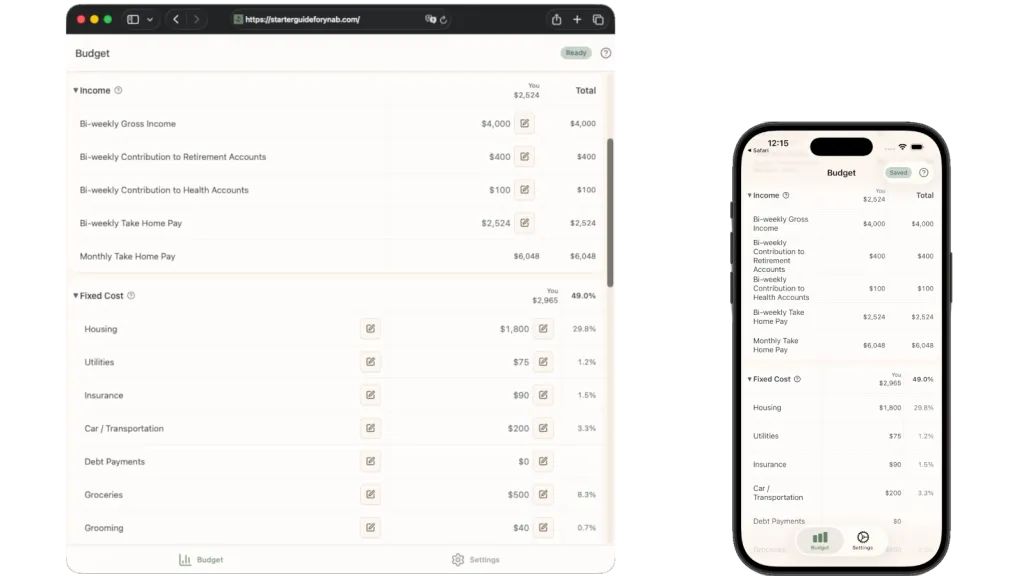
How It Works
Step 1: Understand your take-home pay
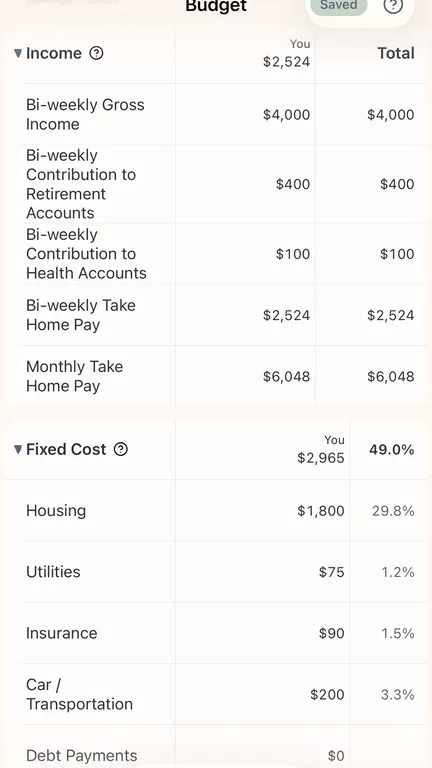
Enter your gross income, taxes, 401(k) and HSA/FSA contributions, and your take-home pay. Your paycheck is the starting point.
Step 2: Plan your spending
Allocate your take-home pay across four main buckets: fixed costs, investments, savings, and guilt-free spending. Each amount shows as a percentage of your paycheck so you can spot imbalances instantly.
Step 3: Send it to YNAB
Link your YNAB account and set up your budget in one click. Use YNAB to stick to the plan, and come back to Starter Guide when your lifestyle changes.
Why Use Starter Guide For YNAB?
Simple, effective budgeting that starts with your paycheck
Use your real take-home pay numbers
Starter Guide for YNAB begins with income, because you can only spend what you actually earn.
See where your money goes
Every spending category shows its percentage of your take-home pay. Too much on rent? You will see it before you commit.
YNAB integration
If you use YNAB, one tap sends your entire budget plan over. No manual entry. No editing spreadsheets. It just works.
Works everywhere
Starter Guide for YNAB syncs across all your devices. Mobile apps are coming soon.
Simple and fast
Set up a complete budget in minutes, not hours. Starter Guide for YNAB has a simple and intuitive interface with inline helper text.
Even better with two
Starter Guide for YNAB natively supports two income sources in your budget, so your household can plan together.
Ready when you are
A gentle way to start budgeting.No credit card required.